
The Ultimate Guide to Virtual Tours (2026)
Everything you need to know about virtual tours: what they are, how they work, the technology behind them, the industries using them, and where AI and VR are taking immersive experiences next.
Key Takeaways
- A virtual tour is an interactive 360 walkthrough the viewer controls, unlike passive video.
- Modern tours run in any browser with no app, powered by WebGL and WebXR.
- Property, hospitality, education, retail and healthcare all use tours to win customers.
- AI now adds narration, translation, image enhancement and even generated environments.
- VR headsets like Meta Quest and Apple Vision Pro make tours fully immersive.
- You can build and publish a professional tour in minutes with 360tours.studio.
Virtual tours have gone from a novelty to a standard part of how the world explores places online. Buyers walk through homes before booking a viewing. Students wander the Louvre from a classroom. Hotel guests inspect the exact room they are booking. And with AI and VR maturing fast, immersive experiences are becoming the default way to present any physical space.
This guide covers everything: what virtual tours are, how the technology works, who uses them and why, and where the industry is heading. It is the hub for our entire library — every section links to a deeper article if you want to go further.
What is a virtual tour?
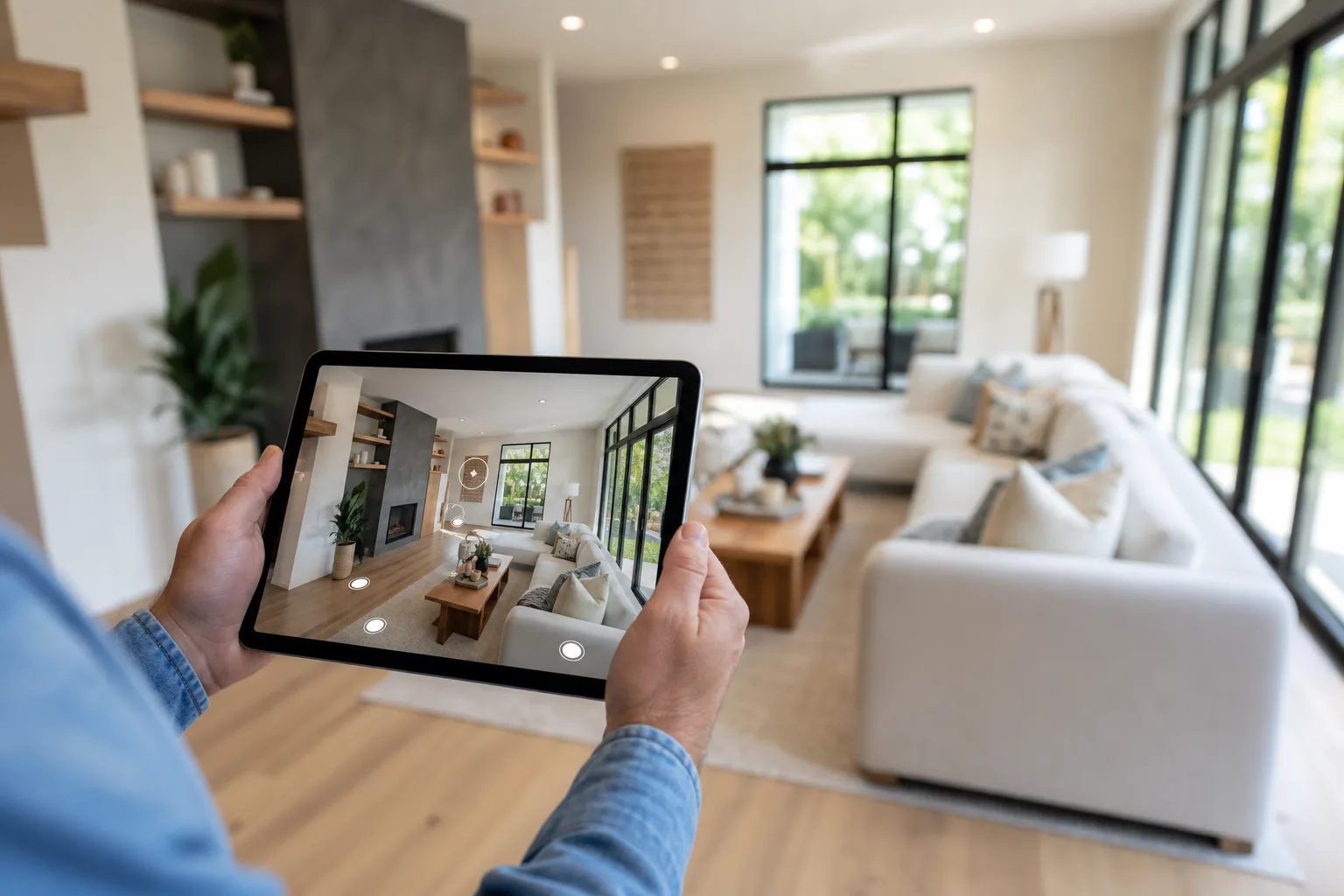
A virtual tour is an interactive, digital walkthrough of a real place. Instead of watching a video someone else filmed, you control the experience: look up, down and around in any direction, move from room to room, zoom in on details and click hotspots to reveal more information.
Most virtual tours are built from 360-degree photographs — panoramic images that capture an entire sphere around the camera. Tour software connects those spheres together with navigation, so moving through a building feels natural. More advanced tours add floor plans, voice narration, video, lead-capture forms and even live guided viewings.
If you are brand new to the topic, start with our beginner-friendly explainer: What is a virtual tour? It answers every first-timer question in plain English.
Try one right now
The fastest way to understand a virtual tour is to use one. This is a real, live tour of a Marbella villa — click and drag to look around, and use the markers to move between rooms:
Everything in this guide — hotspots, navigation, viewer styles, VR delivery — is visible in that one embed.
Virtual tour vs 360 photo vs 3D scan
Three related terms often get mixed up:
| Format | What it is | Best for |
|---|---|---|
| 360 photo | A single spherical image viewed from one spot | Quick previews, social posts |
| 360 virtual tour | Multiple 360 photos linked with navigation and hotspots | Property, venues, most business uses |
| 3D scan (e.g. Matterport-style) | A measured 3D model with dollhouse view | Construction, documentation, insurance |
A 360 virtual tour is the sweet spot for most organisations: far more immersive than photos, dramatically cheaper and faster than full 3D scanning, and it runs beautifully on any device.
Types of virtual tour
"Virtual tour" is an umbrella term, and it helps to know exactly what kind you are looking at (or planning to build). The main formats in use today:
Self-directed 360 tours
The standard format, and the one this guide focuses on. The viewer moves between connected 360 scenes at their own pace, in any order. It suits almost every use case because it hands control to the person making the decision — the buyer, the guest, the student, the tenant.
Guided story tours
The same 360 scenes, but arranged into a sequence with next/back navigation — a narrated route through a space, like a sales presentation the viewer can pause and look around inside. In 360tours.studio this is the Story viewer style, and it is particularly strong for new-build developments and show homes, where the order of reveal matters.
Live guided viewings
A hybrid: an agent or salesperson walks a remote prospect through the tour in real time, talking over it, answering questions and steering the view. Agents using live viewings can show up to ten properties in half an hour instead of losing a day to driving. It combines the reach of a virtual tour with the persuasion of a human conversation.
3D scanned tours
Matterport-style tours built from depth-sensing scans. They add a "dollhouse" overview and measurement tools, at the cost of more expensive capture and processing. Excellent for construction documentation and floor plan generation; usually more than a marketing use case needs. (We support Matterport-style 3D scans alongside 360 tours — choose per property.)
Aerial and outdoor 360 tours
Drone-captured 360 panoramas showing a property's grounds, a development site's location, a resort's beachfront or a campus layout. Often combined with interior scenes in one tour, so a viewer can fly over the estate and then walk through the front door.
Video-based "tours"
A walkthrough filmed on a gimbal is sometimes marketed as a virtual tour, but it is really a video: the viewer has no control. Both formats have their place — the full comparison is in Virtual tours vs video.
A short history of virtual tours
Virtual tours are older than most people think.
- 1994 — The first recognised virtual tour was built for Dudley Castle in England: a computer reconstruction of the castle as it stood in 1550, famously demonstrated to Queen Elizabeth II.
- 1995–2005 — Apple's QuickTime VR brought stitched panoramas to CD-ROMs and early websites. Estate agents experimented with clunky Java applets.
- 2007 — Google Street View launched, normalising the idea of "standing inside" a photograph for hundreds of millions of people.
- 2011–2015 — Consumer 360 cameras (Ricoh Theta, later Insta360) removed the need for specialist rigs. Matterport brought 3D scanning to property.
- 2020 — The pandemic made virtual tours essential overnight. Museums, universities, estate agents and venues rushed to offer remote access, and buyer expectations permanently shifted.
- Today — Tours are browser-native, mobile-first, embedded on property portals like Rightmove and Zoopla, viewable in VR headsets, and increasingly enhanced by AI narration, translation and image processing.
The trajectory is clear: each generation of technology has made tours cheaper to produce, easier to view and more immersive — and that curve is steepening.
It is worth pausing on the pandemic moment, because it changed expectations permanently. Before 2020, a virtual tour was a differentiator — the premium listing had one, the rest did not. When physical access disappeared overnight, tours became infrastructure: universities ran entire open days virtually, agents sold homes to buyers who never set foot inside before exchange, and museums discovered global audiences their buildings could never hold. When restrictions lifted, the audience behaviour stayed. People had learned they could evaluate a space remotely, and they kept doing it — which is why tour adoption continued climbing after 2021 rather than snapping back.
How virtual tour technology works
Understanding the pipeline helps you make better decisions about cameras, software and hosting. There are four stages.
1. Capture
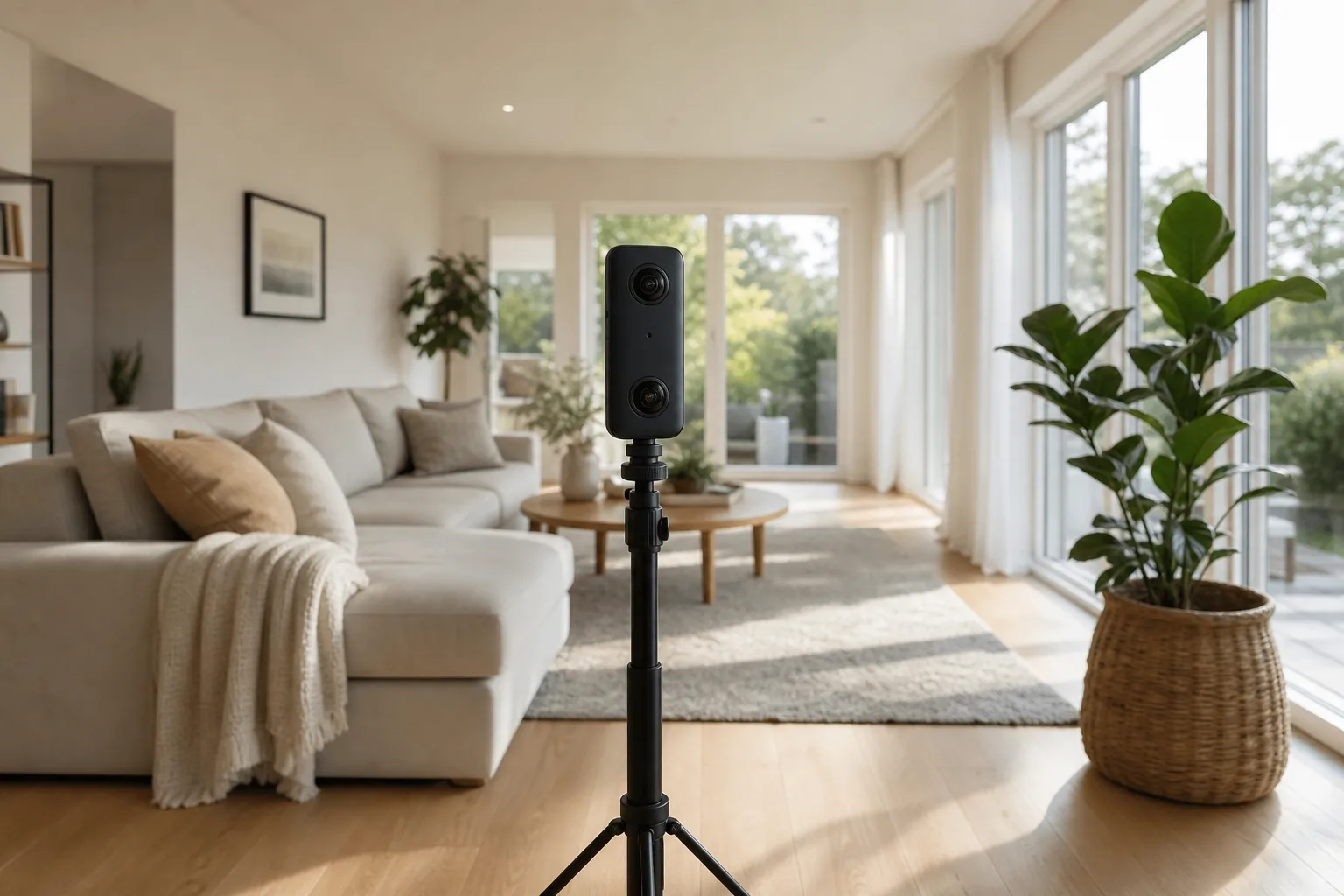
A 360 camera uses two or more fisheye lenses to photograph everything around it simultaneously. The camera (or its app) stitches these into a single equirectangular image — a 2:1 rectangle that unwraps the full sphere, like a world map unwraps the globe. For interiors, HDR bracketing balances bright windows against darker corners so rooms look the way eyes see them.
Camera choice matters more than any other equipment decision. The practical tiers in 2026:
- Smartphone panoramas — free and fine for experimenting, but stitching artefacts and low resolution show in a professional context.
- Consumer 360 cameras (Ricoh Theta, Insta360 One X-series) — the sweet spot for most property and business tours. One-press capture, good HDR, around 5.7K–8K resolution.
- Prosumer and pro rigs (Insta360 Titan, DSLR panoramic heads) — for luxury property, cultural heritage and print-quality detail.
Resolution is measured across the whole sphere, so numbers that sound huge spread thin: an 8K equirectangular image is roughly equivalent to viewing a 2K image in any one direction. That is why 5.7K is a sensible minimum for professional work. Our camera buying guide compares current models in detail.
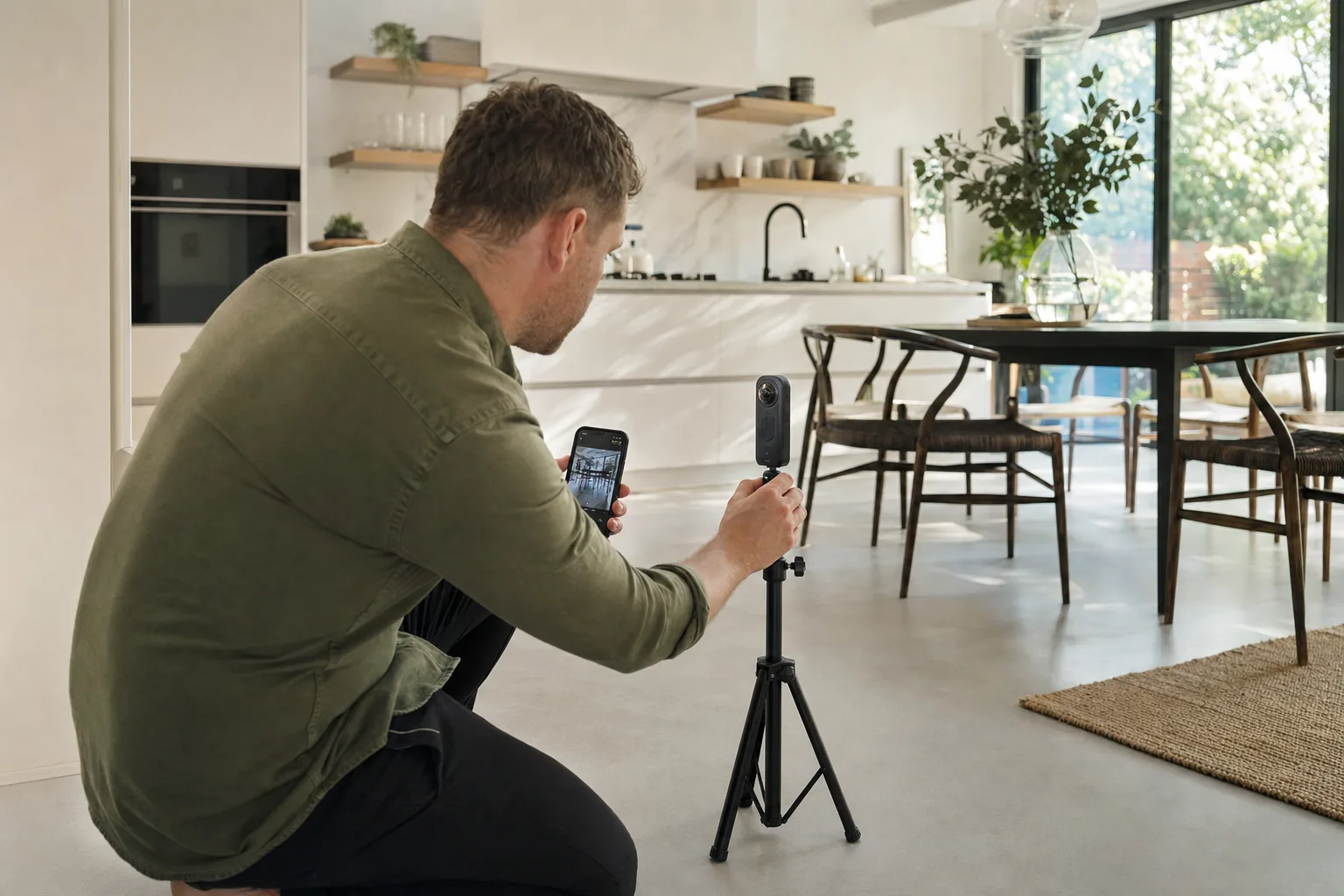
A capture session itself is quick: one panorama per room (two for large or L-shaped rooms), camera at chest height in the spot with the best sightlines, lights on, curtains open, photographer hiding around the corner. A whole house takes 20–40 minutes.
2. Processing
Raw panoramas are colour-corrected, straightened and enhanced. This stage is increasingly automated by AI — noise reduction, exposure correction, sharpening and even removing the tripod from the floor of the shot. Our guide to how AI is changing virtual tours digs into this.
3. Authoring
Tour software turns processed panoramas into an experience. In 360tours.studio you upload images, and scenes are created automatically; you then link rooms together, drop in hotspots (info points, photo pop-ups, external links), attach an interactive floor plan, add AI voice narration and choose a viewer style that matches your brand.
4. Delivery
Modern tours render in the browser using WebGL: the equirectangular image is wrapped around the inside of a virtual sphere, and the viewer looks out from the centre. Because it is all web-standard technology, one link works everywhere — desktop, mobile, embedded in a listing, or in full VR via WebXR on headsets like Meta Quest. No apps, no downloads, no plugins.
Want the practical version of all this? Follow our step-by-step walkthrough: How to create a virtual tour.
Which industries use virtual tours?
Virtual tours started in property, but they have spread to almost every sector where a physical space matters to a decision. We cover the business case in depth in Why every business should have a virtual tour — here is the short version.
Property and real estate
The original and still biggest use case. Tours let buyers explore a home before booking a viewing, which qualifies serious buyers, cuts wasted appointments and opens listings to relocating and overseas buyers. Estate agents win more instructions by offering premium marketing; developers sell off-plan homes from show-home tours; letting agents let faster with remote viewings.
Hotels and hospitality
Guests want to see the actual room, spa and restaurant before booking. Hotels using tours see higher direct-booking conversion, and wedding and event venues let couples shortlist without a site visit.
Education
Schools and universities run virtual open days that reach families who cannot attend in person — and tours double as teaching tools for geography, history and science. This is one of the fastest-growing areas; see Virtual tours for education.
Healthcare
Hospitals, clinics, dental practices and care homes use tours to reduce patient anxiety, orient visitors and reassure families choosing residential care from a distance.
Retail, offices and industry
Showrooms present stock in context. Commercial landlords let remote tenants inspect office and industrial space. Manufacturers use tours for factory showcases, investor presentations, safety training and remote audits.
Culture and tourism
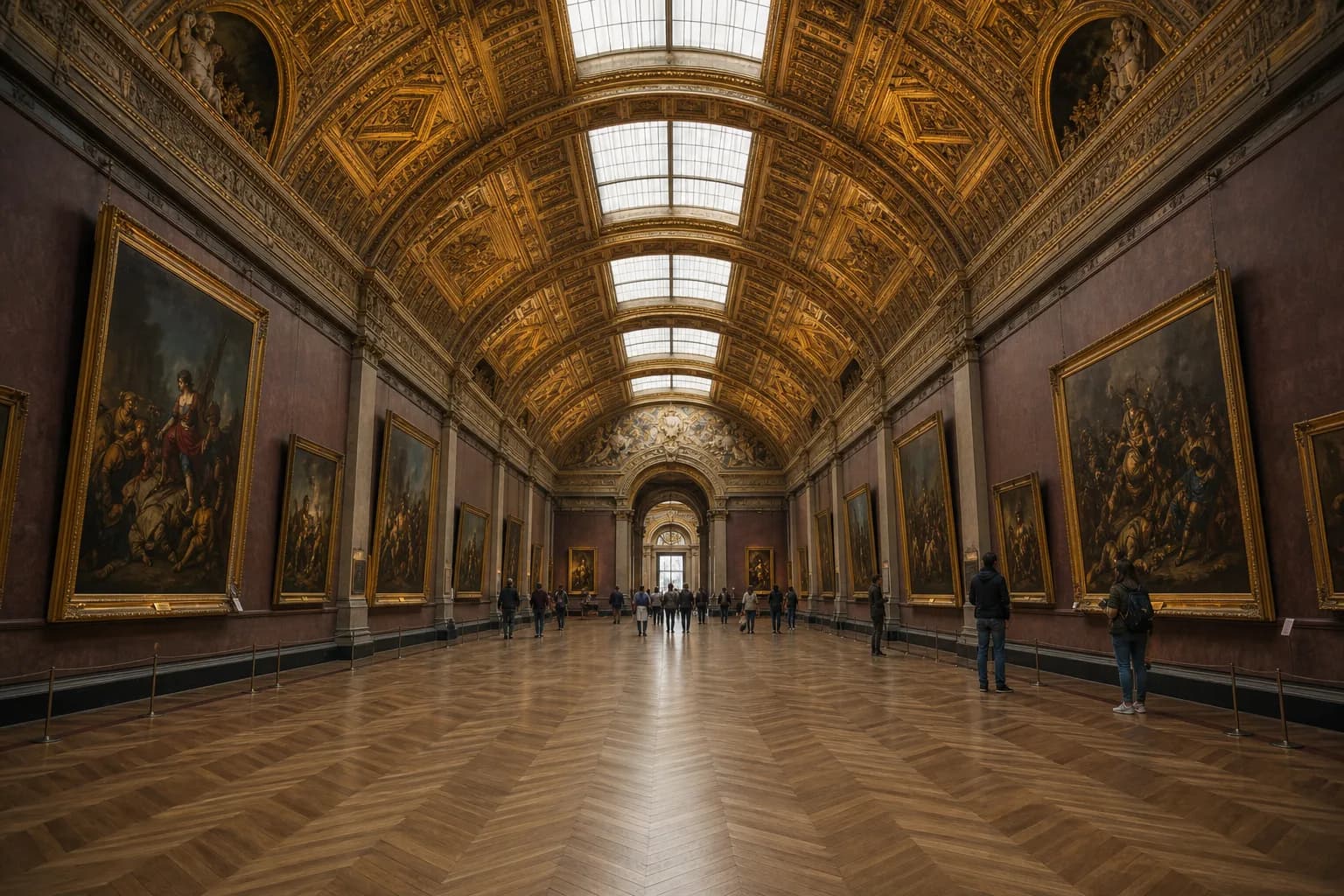
Museums, galleries, castles and national parks publish tours as marketing and as access — reaching people who could never visit in person. Some of the best examples anywhere are collected in The best virtual tours you can explore online.
Venues, leisure and worship
Wedding venues and event halls shortlist themselves into more enquiries by letting couples explore before the first visit. Gyms, spas and leisure venues remove the "what's it actually like inside?" barrier that stops sign-ups. Stadiums and arenas sell seat views, hospitality suites and event space from a single tour. Even churches and places of worship use tours to welcome newcomers and promote venue hire.
The benefits: why virtual tours work
Across every industry, the same handful of advantages keep showing up.
Visitors stay longer and engage more. A tour is an activity, not an asset. People click, look around and explore — typical listing dwell time multiplies when a tour is present. That engagement also feeds search rankings, which we unpack in How virtual tours improve SEO.
They qualify serious interest. Someone who has explored a property, hotel or campus online and then enquires is a far warmer lead than a cold click. Viewings convert better; sales calls start further down the funnel.
They are always open. A tour works at midnight, on weekends and across time zones. It is the only way a prospect in Singapore can "walk through" a London flat before deciding to fly over.
They build trust. A tour hides nothing. Showing a space honestly, in full 360, signals confidence — and prospects notice.
They save time and money. Fewer wasted viewings, fewer repetitive site visits, fewer "can you send more photos?" emails. One capture serves marketing, sales and operations for months.
Interactive beats passive. Video has its place — we compare the two honestly in Virtual tours vs video — but when the goal is letting someone evaluate a space, control wins.
What the numbers say
The research on virtual tours has been remarkably consistent for years:
- Property listings with virtual tours receive substantially more enquiries than photo-only listings — portals and agencies commonly report uplifts in the 30–90% range depending on market and property type.
- A majority of buyers say they want tours on listings, and younger buyers increasingly treat their absence as a red flag — what is this listing hiding?
- Visitors spend five to ten times longer on pages with an interactive tour than on equivalent photo galleries, because a tour is something to do rather than something to look at.
- Hotels and venues report higher direct-booking conversion when guests can inspect the actual room or event space before committing.
Treat any single statistic with healthy scepticism — markets differ — but the direction of every study points the same way: giving people control of the viewing increases confidence, and confidence converts.
How much does a virtual tour cost?
The honest answer is "from almost nothing to five figures", so here is how the spend actually breaks down.
Capture costs. Do it yourself with a consumer 360 camera (£300–£500, used across every property you ever shoot) or hire a professional photographer (typically £100–£350 per property in the UK, more for large venues). DIY is genuinely viable for tours — far more so than for conventional property photography — because the camera handles composition for you.
Software and hosting costs. This is where pricing models differ wildly between providers: some charge per tour, some per user seat, some bury hosting fees in annual contracts. Our model at 360tours.studio is deliberately simple — pay-as-you-go credits to take a single tour live for a fixed period, or a monthly plan built around Active Spaces: one Active Space is one live published tour, and archiving a sold property releases its space for the next listing. Plans start at £49/month for 50 Active Spaces.
Hidden costs to watch for elsewhere. Per-viewer charges, branding removal fees, paying forever for tours of properties that sold years ago, and export lock-in. Ask any provider: what happens to my tours if I stop paying?
For a full breakdown with worked examples, see how much does a 360 virtual tour cost?
Common virtual tour mistakes (and how to avoid them)
After thousands of published tours, the same handful of mistakes come up repeatedly:
- Shooting messy spaces. A tour shows everything — there is no framing the clutter out. Prepare rooms like you would for a viewing.
- Too many scenes. One good panorama per room beats four mediocre ones. Extra scenes add clicks, not clarity.
- No navigation logic. Scene links should mirror how a person would walk the building. If viewers get lost, they leave.
- Ignoring hotspots. A bare tour answers "what does it look like?" but hotspots answer "what am I looking at?" — dimensions, finishes, links to book. That is where engagement becomes enquiry.
- Hiding the tour. A tour buried three clicks deep might as well not exist. Put it beside the photos, embed it on the portal listing, share it on social, add it to your Google Business Profile.
- No lead capture. The viewer is at peak interest inside the tour. Estate agent viewer styles with built-in enquiry forms convert that interest on the spot instead of hoping they find your phone number later.
Virtual tours in VR
Everything above happens on a flat screen. Put on a headset and a tour becomes something else entirely: standing inside the space at true scale.
The hardware has finally caught up. Meta Quest headsets are affordable and sold in the millions; Apple Vision Pro pushed spatial computing into the premium market; and the WebXR standard means browser-based tours can jump to full immersion without a separate app. Any tour published with 360tours.studio can be experienced in VR through our Meta Quest viewer — you share a short code, and the viewer steps inside, fully branded.
For property, VR viewings collapse distance: an overseas investor tours five homes in an evening. For education, a classroom visits the Colosseum. For venues, a couple stands in the ballroom where they might get married. We explore where this is heading in Virtual reality and the future of immersive experiences.
AI and virtual tours
AI is transforming every stage of the tour pipeline, and this is where the next few years get genuinely exciting.
- Image enhancement — AI corrects exposure, reduces noise, sharpens detail and can virtually stage empty rooms with furniture.
- Narration — Text-to-speech has crossed the quality threshold. In 360tours.studio, the AI Agent Guide generates scene-by-scene voice narration that walks viewers through a space like a human guide.
- Translation — The same narration can be produced in multiple languages automatically, making one tour globally accessible.
- Conversational guides — Instead of a fixed script, AI assistants answer viewer questions inside the tour: "How far is the station?" "Is the garden south-facing?"
- Generated environments — The frontier: AI models that create explorable 360 worlds from text prompts or reconstruct spaces from a handful of ordinary photos. Platforms like 360Worlds are pioneering AI-generated immersive environments for education and entertainment.
The full picture — including what is real today versus what is coming — is in How AI is changing virtual tours.
Choosing virtual tour software
The software you choose determines how your tours look, where they can be embedded and what they cost to keep live. The checklist that matters:
- Browser-native viewing — no app or download for your audience, ever.
- Embeds everywhere — one link and embed code that works on your website, Rightmove, Zoopla, email and social.
- Interactive features — hotspots, floor plan navigation, narration, lead capture. Features should be editable after publishing, without re-shooting.
- Branding — your logo and colours, not the software vendor's.
- VR support — WebXR delivery to headsets should be included, not an upsell.
- Analytics — which scenes people visit, how long they stay, where they enquire.
- Honest pricing — pay for what is live. With 360tours.studio you can publish with pay-as-you-go credits or host a portfolio of "Active Spaces" on a monthly plan, and archive tours when a property sells so you stop paying.
Try it yourself — our interactive demo lets you explore real tours, and real examples show what finished tours look like across property types.
Build vs buy: DIY platforms, agencies and everything between
There are three ways to get a tour made, and the right one depends on volume. If you publish tours regularly — an agent with rolling stock, a venue group, a university department — a self-serve platform pays for itself immediately: you own the camera, capture takes half an hour, and publishing is minutes of work. If you need one exceptional tour of a flagship space, a professional photographer plus a platform account gets you agency quality without agency lock-in. Full-service agencies still make sense for complex projects — a 50-building campus, a stadium with hundreds of vantage points — where project management is the real product. Whichever route you take, insist that the final tour lives on a platform you control, so switching suppliers never means losing your library.
The future of virtual tours
Where is all this going? Five trends worth watching:
1. Tours become conversations. Static hotspots give way to AI guides that answer questions, personalise the route and hand qualified leads to a human at exactly the right moment.
2. Capture keeps getting easier. Better cameras, smarter stitching and AI reconstruction from ordinary photos will shrink capture from hours to minutes — eventually making "no tour" as odd as "no photos".
3. Headsets go mainstream. As Quest-class devices spread and Apple pushes spatial computing, immersive viewing shifts from novelty to expectation, starting with high-consideration decisions like property and venues.
4. Generated and mixed reality blend in. AI-generated environments, virtual staging toggles and mixed-reality overlays will blur the line between photographing a space and designing one.
5. Tours become data. Heatmaps of where viewers look, which rooms hold attention and where people drop off will feed directly into pricing, staging and marketing decisions.
Virtual tour glossary
The terms you will meet everywhere in this space, in one place:
- 360 photo / panorama — a spherical image capturing every direction from one point.
- Equirectangular — the 2:1 rectangular projection format that stores a full sphere, like a world map stores the globe.
- Scene — one 360 photo inside a tour, usually one room or vantage point.
- Hotspot — a clickable marker in a scene: navigation to another scene, an info pop-up, a photo, a video or an external link.
- Stitching — merging the output of multiple lenses into one seamless panorama.
- HDR (high dynamic range) — combining bracketed exposures so windows and shadows are both correctly exposed.
- Nadir / zenith — the straight-down and straight-up points of a sphere; the nadir is where the tripod gets edited out or a logo placed.
- Dollhouse view — the cutaway 3D model view produced by scanning systems such as Matterport.
- WebGL — the browser technology that renders the inside of the sphere, letting tours run without plugins.
- WebXR — the web standard that lets the same browser-based tour switch into immersive VR on a headset.
- Viewer style — the interface wrapped around scenes: navigation layout, branding, property details, lead forms.
- Virtual staging — digitally furnishing an empty room; in tours, often a toggle between original and staged views.
- Active Space — in 360tours.studio, one live published tour; the unit our subscription plans are built on.
Frequently asked questions
Do virtual tours replace in-person viewings? No — they replace wasted viewings. People who visit after exploring a tour arrive pre-qualified and convert at a much higher rate. The tour does the first viewing; humans do the second.
How long does a virtual tour take to make? Capture is 20–40 minutes for a typical house. With modern software, building and publishing takes minutes: upload panoramas, link rooms, add hotspots, publish. Same-day turnaround is normal.
Can I update a tour after publishing? With browser-based platforms, yes — edit hotspots, reorder scenes, change branding or add narration at any time without re-shooting or re-sending links.
What file format do 360 cameras produce? Standard JPEG (or RAW) images in equirectangular projection — ordinary image files at unusual proportions, which is why they upload straight into tour software with no conversion.
Where should I put my tour? Everywhere a prospect might meet you: your website, portal listings (Rightmove and Zoopla accept tour links), Google Business Profile, email campaigns and social media. One tour, one link, every channel.
Start exploring
This guide is the hub — here is the full cluster if you want to go deeper on any topic:
- What is a virtual tour? — the beginner's guide
- How to create a virtual tour — step by step
- The best virtual tours online — see brilliant examples
- Virtual tours vs video — which format wins, when
- Why every business should have a virtual tour — the commercial case
- Virtual tours for education — classrooms without walls
- How AI is changing virtual tours — the technology shift
- VR and the future of immersive experiences — what headsets change
- How virtual tours improve SEO — the marketing payoff
And when you are ready to build one: see pricing or try the demo — you can have a professional 360 tour live today.
Frequently Asked Questions

The 360tours.studio Team
Virtual Tour Experts
We build interactive 360 virtual tour software for estate agents and property marketers.
Related Articles
What Is a Virtual Tour? A Complete Beginner's Guide
New to virtual tours? This beginner's guide explains exactly what a virtual tour is, how 360 photos, hotspots, floor plans, audio and VR fit together, and how to view or create your first one.
The Best Virtual Tours You Can Explore Online in 2026
From the Louvre to the surface of Mars, these are the best virtual tours you can explore online right now — museums, national parks, landmarks, space missions and AI-generated worlds.
How to Create a Virtual Tour: The Complete Step-by-Step Guide
Learn how to create a professional virtual tour from scratch: choosing a 360 camera, shooting each room, editing panoramas, uploading, hosting and publishing — with realistic costs and timings.