
What Is a Virtual Tour? A Complete Beginner's Guide
New to virtual tours? This beginner's guide explains exactly what a virtual tour is, how 360 photos, hotspots, floor plans, audio and VR fit together, and how to view or create your first one.
Key Takeaways
- A virtual tour lets viewers explore a real place interactively, in their own time.
- It is built from 360 photos linked together with clickable navigation.
- Hotspots add information, images, video and links inside the tour.
- Floor plans, audio narration and AI guides make tours easier to follow.
- Tours work in any browser and can also be viewed in VR headsets.
You have probably used a virtual tour already — maybe on a property listing, a hotel website or Google Street View — without thinking about what it actually is. This guide explains everything a beginner needs to know, with no jargon left undefined.
The simple definition
A virtual tour is an interactive, digital walkthrough of a real place.
The key word is interactive. Photos show a space from fixed angles someone else chose. A video walks you along a route someone else filmed. A virtual tour puts you in control: you look wherever you want, move wherever you want, and spend as long as you like in each room — just as if you were standing there.
The building blocks
Every virtual tour is assembled from a handful of components. Once you know them, you will recognise them in every tour you open.
360 photos
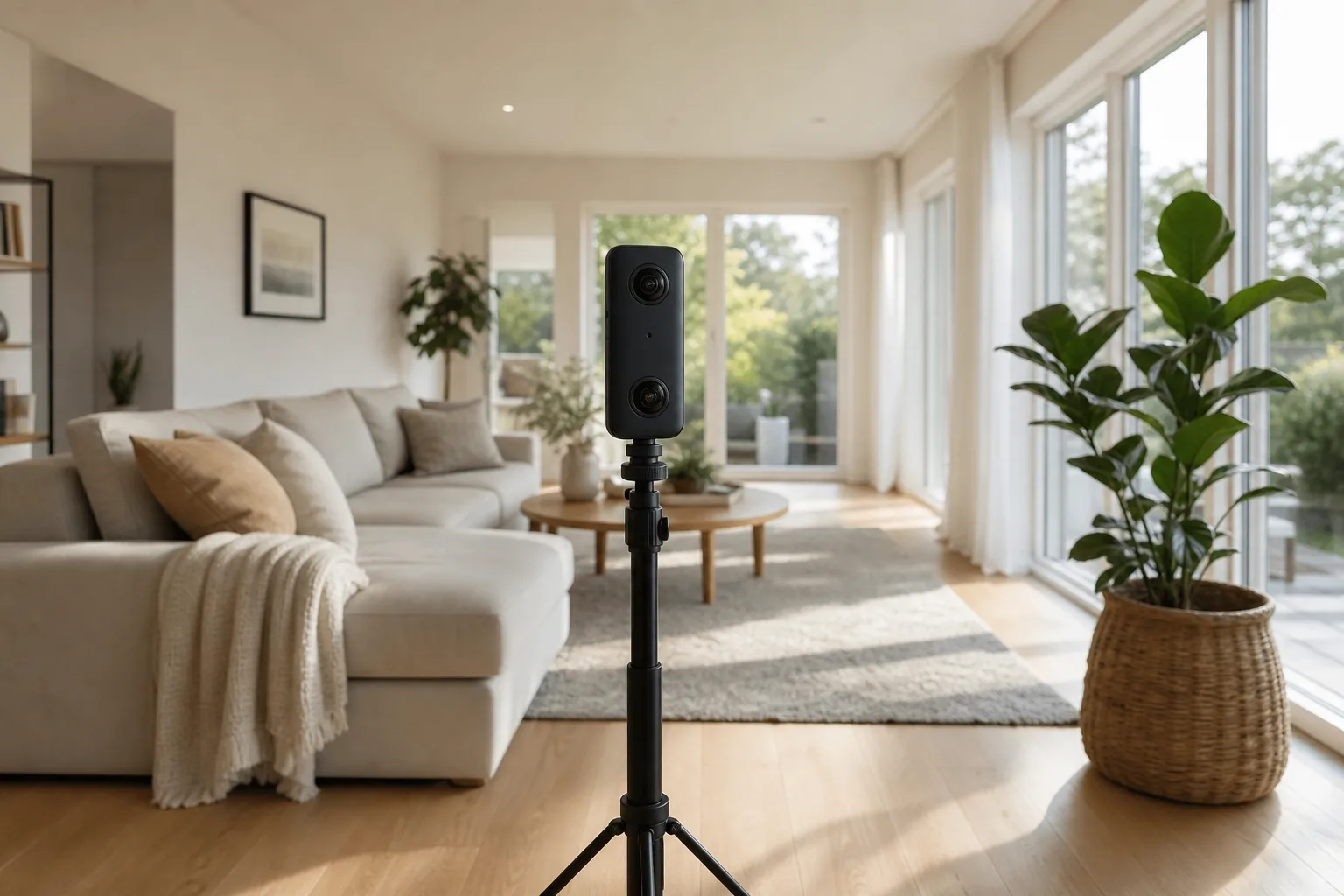
The foundation. A 360 photo (or panorama) captures everything around the camera — a complete sphere, floor to ceiling, in every direction. Special 360 cameras with two fisheye lenses shoot the whole sphere in one press.
When you open a tour, you are standing at the centre of one of these spheres. Dragging with your mouse or finger rotates your view around it. Each 360 photo in a tour is called a scene — usually one scene per room.
Navigation
Scenes are linked together so you can move through the space. Click the arrow or marker by the kitchen door and you travel to the kitchen scene. Well-built tours mirror how you would naturally walk the building, so you always know where you are.
Hotspots
Hotspots are clickable markers placed inside scenes. They are what turn a tour from "looking around" into a genuinely useful experience:
- Info points — "Quartz worktops, fitted 2024" on the kitchen counter
- Photo pop-ups — a close-up of a detail worth showing
- Video — a clip playing inside the tour
- Links — to a booking page, brochure or enquiry form
In 360tours.studio, hotspots can be edited at any time after publishing — no re-shooting needed.
Floor plans
Larger tours add an interactive floor plan: a small map showing which room you are in and letting you jump anywhere with one click. It solves the "am I lost?" problem instantly and helps viewers understand the layout of the whole property. See how it works in our floor plan integration feature.
Audio and narration
Tours can talk. Options range from ambient background audio to a full guided voiceover per scene. The newest approach is an AI agent guide — narration generated from a script, in a natural voice, in any language. It is like having a salesperson inside the tour, available 24/7. Ours is described in detail on the AI Agent Guide page.
Video
Some tours embed video clips inside scenes — a developer's flythrough, a welcome message from a head teacher, a demonstration of equipment. Video complements a tour rather than competing with it; we compare the two formats properly in Virtual tours vs video.
VR viewing
Here is the part that surprises beginners: the same tour link that works on your phone can be experienced in virtual reality. Put on a headset like a Meta Quest, open the tour, and instead of looking at the space through a screen you are standing inside it at real scale. Any tour published with 360tours.studio works in VR through our Meta Quest viewer.
AI features
AI now runs through the whole medium — enhancing image quality, generating narration, translating tours into other languages, virtually furnishing empty rooms, and even creating entire explorable environments from scratch. That last frontier is being pioneered by platforms like 360Worlds. The full story is in How AI is changing virtual tours.
What a virtual tour is NOT
A few things get called virtual tours but are not, which causes confusion:
- A slideshow of ordinary photos with transitions — no interactivity, no 360 view.
- A walkthrough video — filmed, linear, viewer has no control. Valuable, but different.
- A 3D-rendered CGI model — used for unbuilt properties; a visualisation rather than a capture of a real place.
The test is simple: can you choose where to look and where to go? If yes, it is a virtual tour.
Who uses virtual tours, and why?
The short answer: anyone whose space influences a decision.
- Estate and letting agents let buyers view a home before booking — which filters out casual browsers and saves everyone time.
- Hotels and venues show the actual room or event space, increasing booking confidence.
- Schools and universities run virtual open days for families who cannot attend.
- Retailers, gyms, clinics and offices remove the uncertainty that stops people walking through an unfamiliar door.
The complete industry-by-industry breakdown is in Why every business should have a virtual tour, and if you would rather see than read, explore the world's best examples in The best virtual tours online.
How is a virtual tour made?
The process is simpler than most people expect:
- Capture — photograph each room with a 360 camera (about 30 minutes for a typical house).
- Upload — drag the images into tour software; scenes are created automatically.
- Build — link rooms, add hotspots, attach a floor plan, add narration.
- Publish — share one link that works on every device, or embed the tour on a website or property portal.
We walk through every step, including camera recommendations and costs, in How to create a virtual tour.
Try one now
Reading about virtual tours is like reading about swimming — at some point you should just get in. Our interactive demo has real, live tours you can explore right now, and our examples page shows finished tours across different property types.
When you are ready for the deep end — the technology, the history, the industries and where AI and VR are taking all this — the ultimate guide to virtual tours is the definitive next read.
Frequently Asked Questions

The 360tours.studio Team
Virtual Tour Experts
We build interactive 360 virtual tour software for estate agents and property marketers.
Related Articles
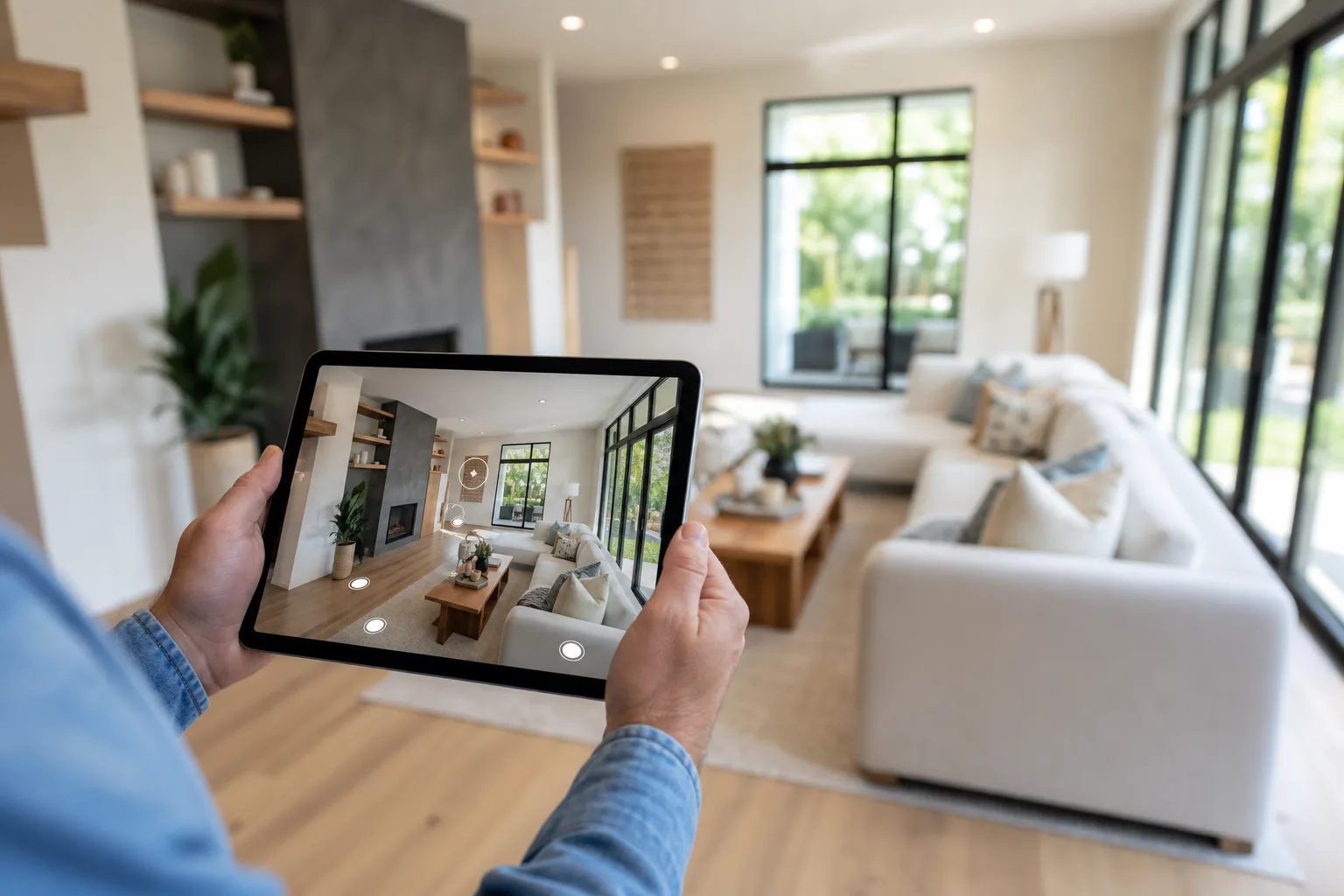
The Ultimate Guide to Virtual Tours (2026)
Everything you need to know about virtual tours: what they are, how they work, the technology behind them, the industries using them, and where AI and VR are taking immersive experiences next.
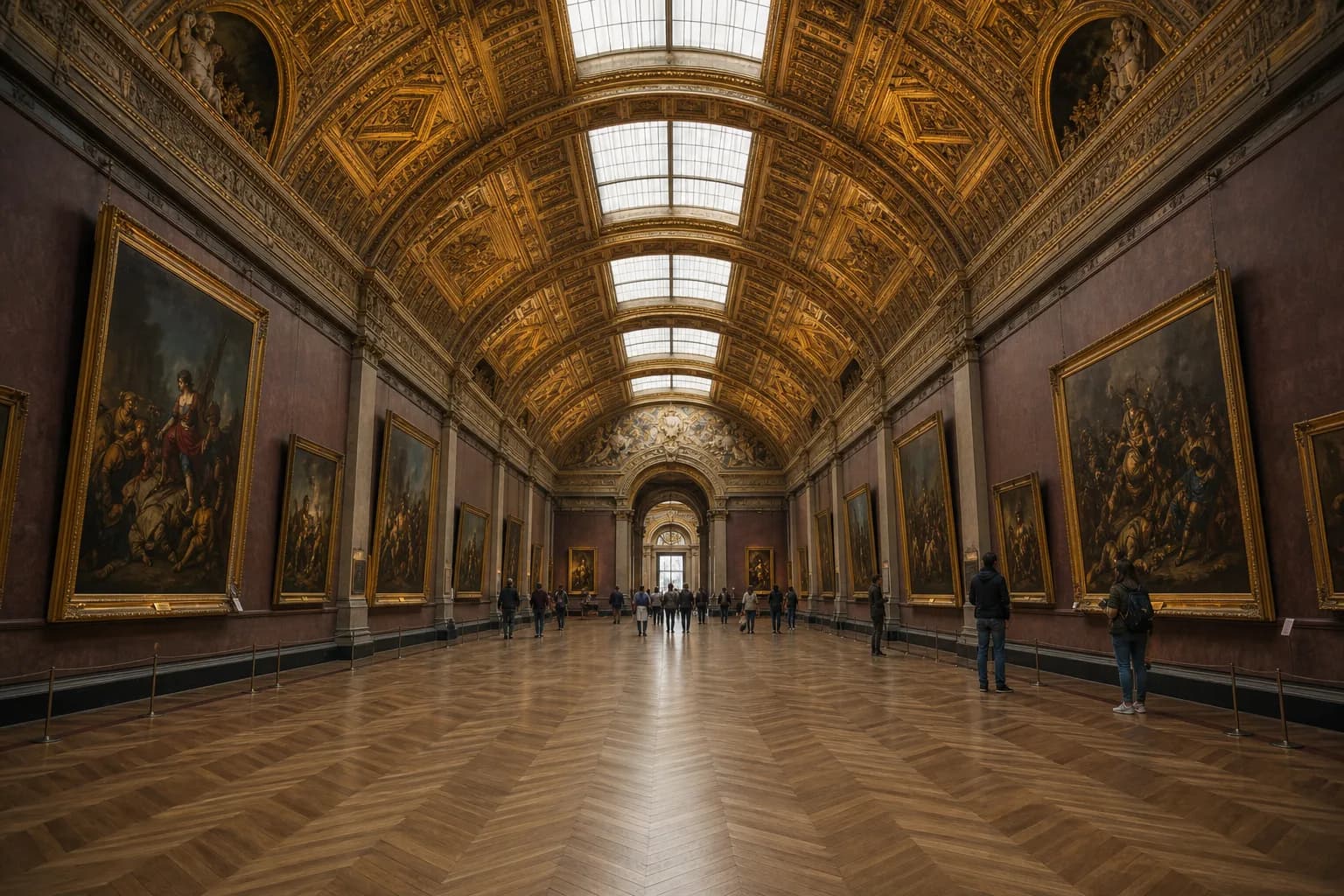
The Best Virtual Tours You Can Explore Online in 2026
From the Louvre to the surface of Mars, these are the best virtual tours you can explore online right now — museums, national parks, landmarks, space missions and AI-generated worlds.
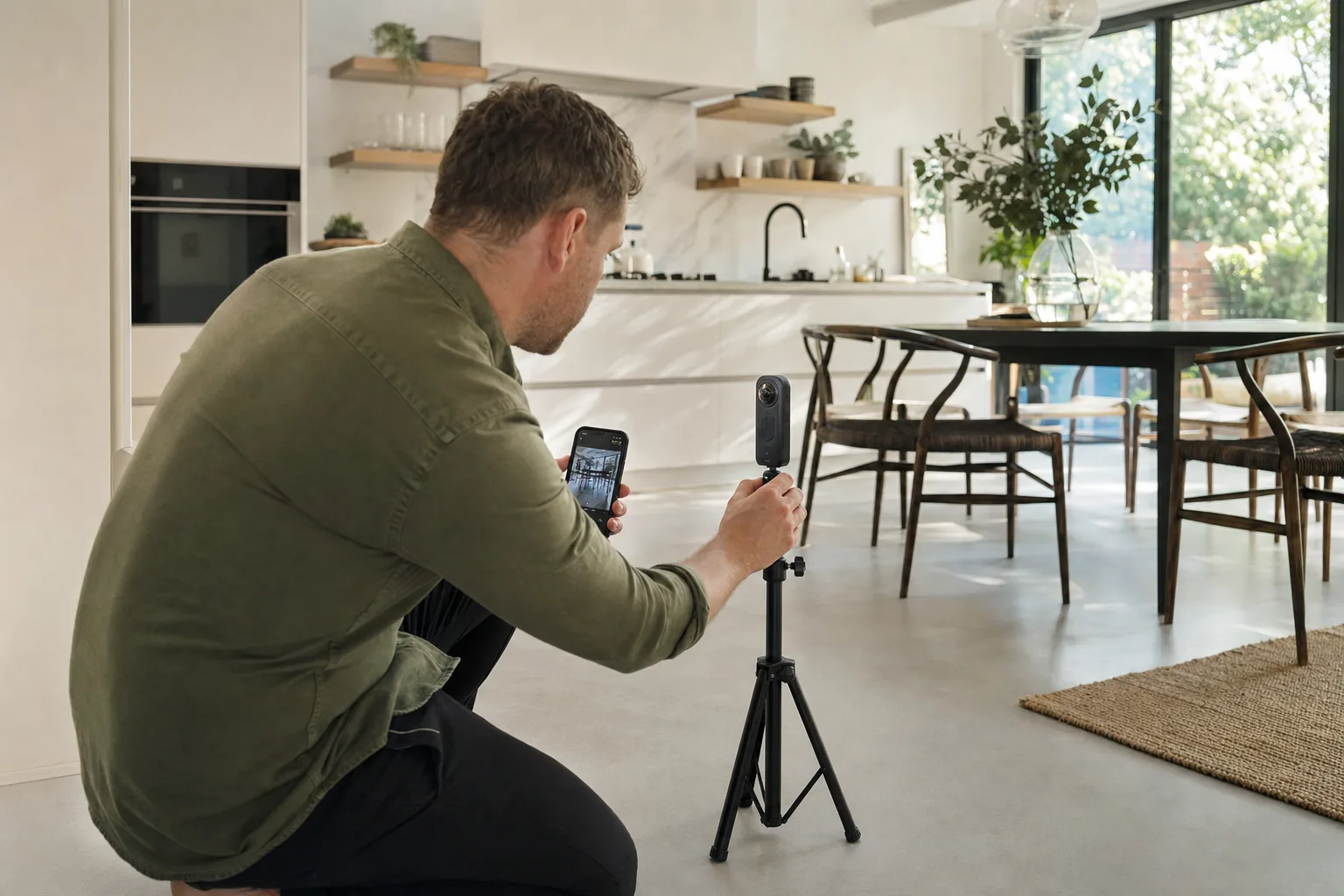
How to Create a Virtual Tour: The Complete Step-by-Step Guide
Learn how to create a professional virtual tour from scratch: choosing a 360 camera, shooting each room, editing panoramas, uploading, hosting and publishing — with realistic costs and timings.