
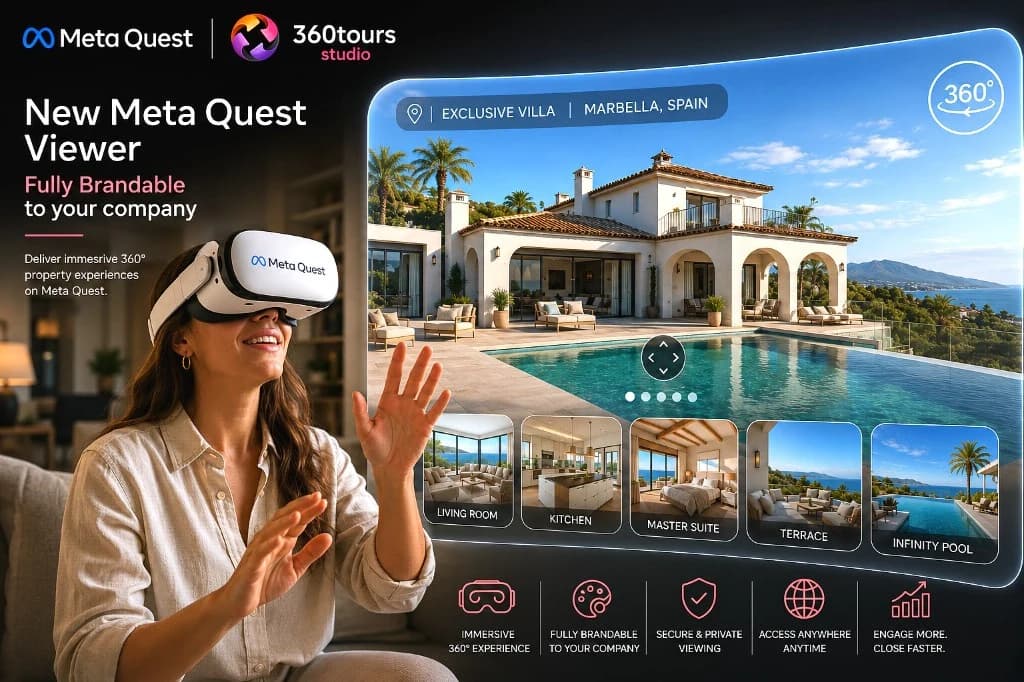
Quick answer
The Meta Quest Viewer is a managed setup service that opens published 360Tours in WebXR on Meta Quest headsets using short tour codes, supporting room-to-room VR movement, floor plan views and guided scene following with free head movement.
Key Takeaways
- Available as a managed setup service for published tours
- Short tour codes for quick headset entry without typing long URLs
- Move between scenes in VR and open floor plans where configured
- Supported live guided scene following while keeping head movement free
- Dedicated VR experience — separate from full web-viewer interactive overlays
Launcher preview
Open the viewer on Meta Quest
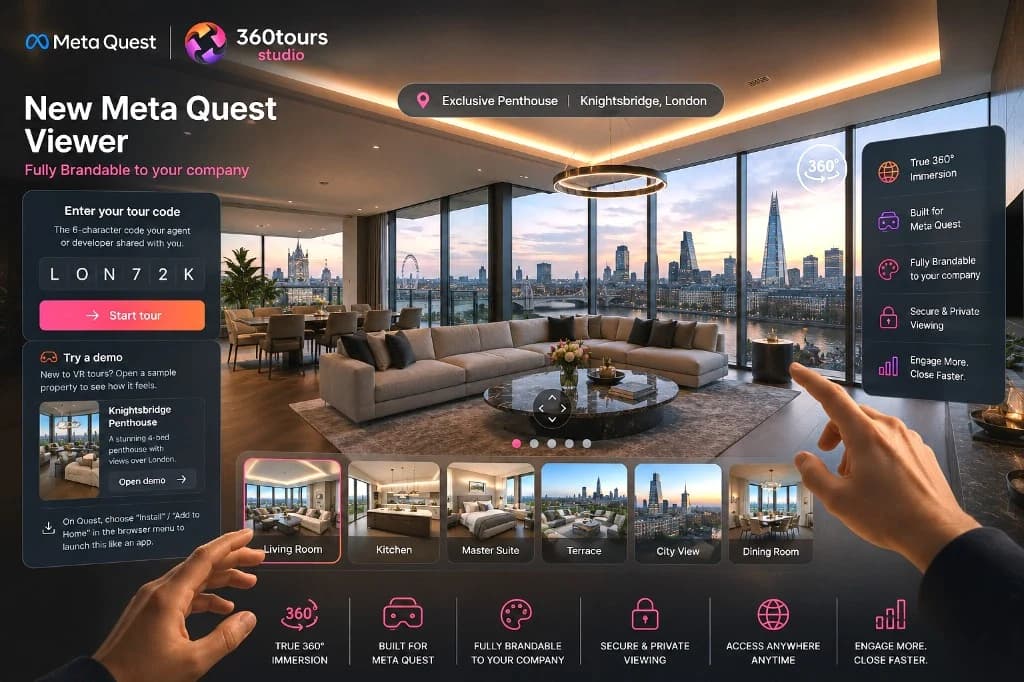
The Meta Quest Viewer runs at vr.360tours.studio/quest. On a headset, open the launcher, enter a short tour code and step inside — provided as a managed setup for published tours.
Best experienced in a Meta Quest headset. You can also preview the launcher in a desktop browser.
Capabilities
What the Meta Quest viewer supports
Built for comfortable, natural head movement inside your 360° scenes, while keeping web-specific overlays and interactive games in the web viewer.
Immersive headset viewing
Step into equirectangular 360° scenes on Meta Quest and look around naturally in full scale.
Short tour codes
Enter a short tour code in the headset launcher to open a published tour without typing long URLs.
Move between scenes in VR
Navigate room to room using the VR scene controls, wrist toolbar and scene navigation panels.
Guided scene following
During supported live guided sessions, follow the host from room to room while keeping head movement free.
Floor plans & branding
Carry your logo, colours and configured floor plan overlay into the headset environment.
Audio & browser PWA
Play prepared narration audio and open directly in the Quest browser or install as a PWA.
Managed setup
Tailored for sales suites and remote briefings
VR access is configured as a managed setup alongside your published tour. Short tour codes make headset entry effortless without replacing web passwords or temporary access links.
- Prime residential and sales-suite presentations
- Off-plan developments and show-home walkthroughs
- Remote investor and overseas buyer briefings
- Guided group presentations with free look-around
- Managed showroom and exhibition headset stations
 Works with Meta Quest 2, 3 and Pro
Practical benefit
Put buyers, investors or stakeholders inside a full-scale 360° environment in seconds on Meta Quest 2, 3 or Pro — ideal for sales suites, off-plan presentations and remote viewings.
How headset viewing works
As part of a managed setup, VR access is enabled for your published tour and assigned a short tour code. On a Meta Quest headset, open vr.360tours.studio/quest (in the Quest browser or installed as a PWA), enter the short code and step inside. Viewers move between scenes via VR navigation panels and wrist controls, inspect floor plans where added, hear narration audio and follow a host’s scene changes during supported live guided sessions while keeping their own head rotation completely free.
Important scope and access notes
Meta Quest VR viewing is offered as a managed setup rather than a self-serve toggle on standard accounts. Short tour codes are designed for quick entry inside a headset rather than standalone password security — Anyone with a tour’s valid code can open that published VR tour, so use web passwords and temporary access links when restricting sensitive web sharing. The Quest viewer focuses on immersive panoramic navigation, floor plans, audio and guided following; some web-only overlays and full Adventure Mode gameplay stay in the web viewer.